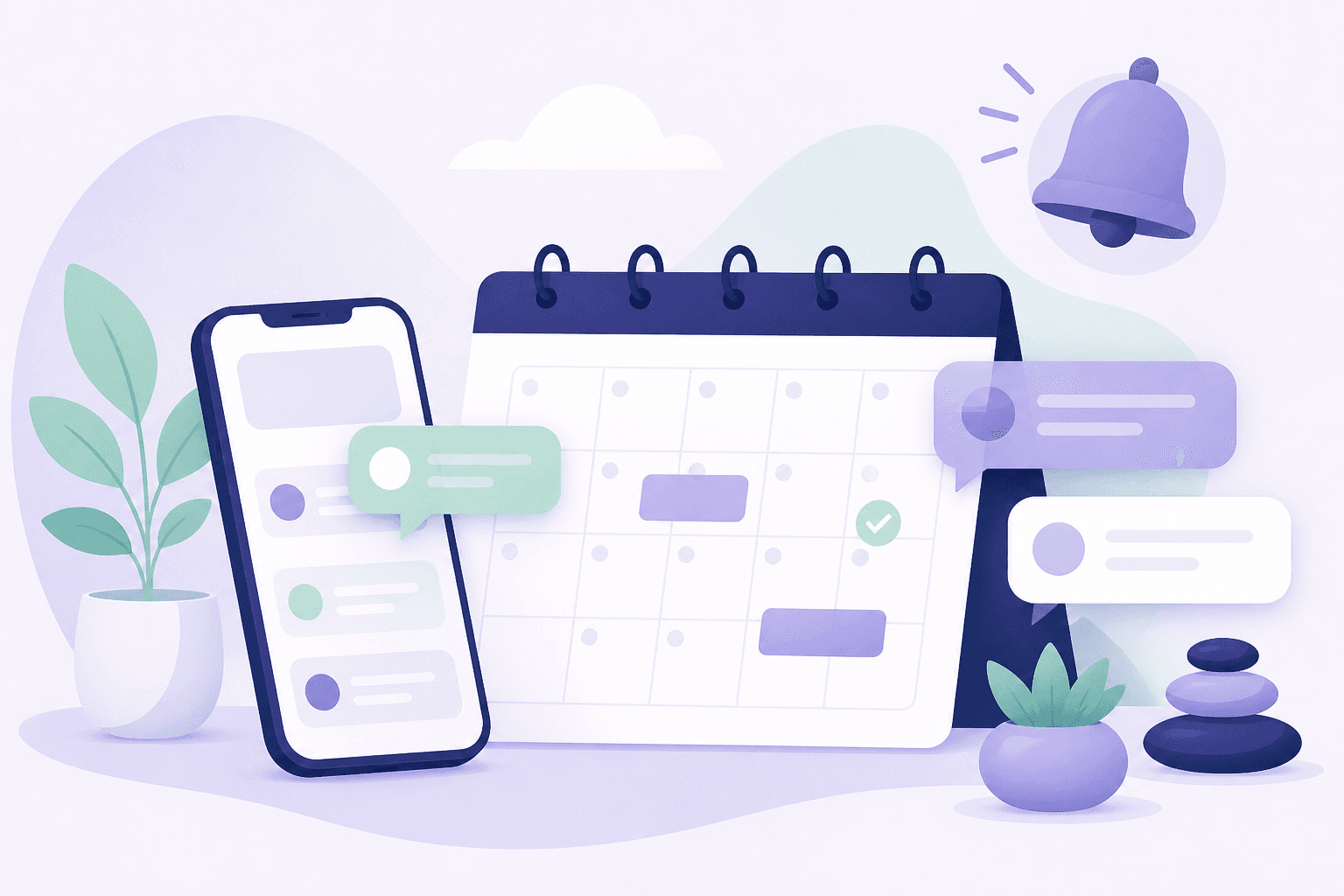
My Debt Coach can nudge you in the app and by email. You can also subscribe to a private calendar feed in Apple Calendar, Google Calendar, or Outlook.
In-app notifications
Open the bell to see Needs attention items like overdue dues. Review payment jumps you to the right Payments row.

Important account alerts always appear. Milestones are optional.
On this screenshot
- 1Notifications bell
- 2Needs attention panel
- 3Review payment actions
Reminder preferences in Settings
In Settings, set timezone first so reminder timing matches your day. Then choose in-app milestones and email reminder options when you are on a real account.

Live demo never sends email. Create a real account for inbox reminders.
On this screenshot
- 1Timezone (affects reminder timing)
- 2Notifications section
- 3Email and payment reminders